

Interact with maps
When you view a map visual in an Insights analysis or published dashboard, you can interact with it to explore your data. By default, map visuals are always zoomed based on the underlying data.
Prerequisites
- You have the Insights Reader or Insights Author permission.
Page location
Insights > Dashboards or Analyses > Click a dashboard or analysis
Procedures
Pan in a map visual
- Click anywhere on the map visual and drag your cursor in the direction that you want to pan the map.
Zoom in or out in a map visual
-
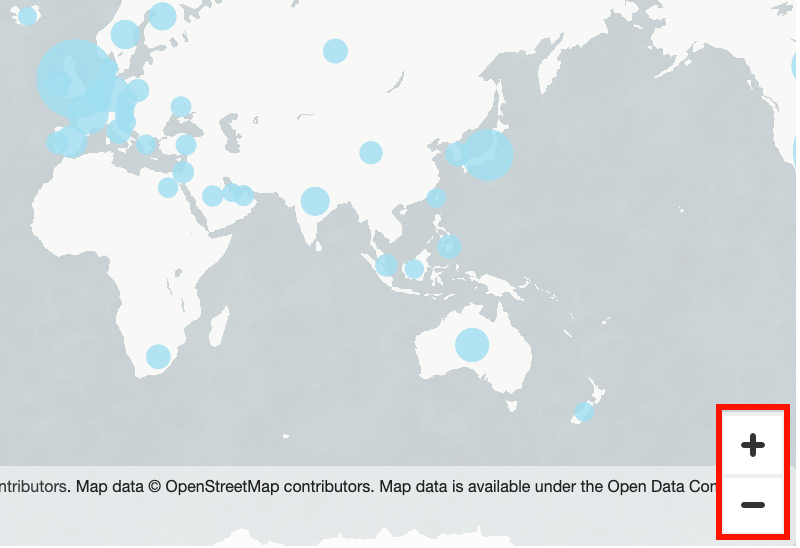
Click Zoom in (the plus icon) or Zoom out (the minus icon) at bottom right of the map. Or you can double-click the map to zoom in and shift-double-click to zoom out.
Zoom back to all the data
-
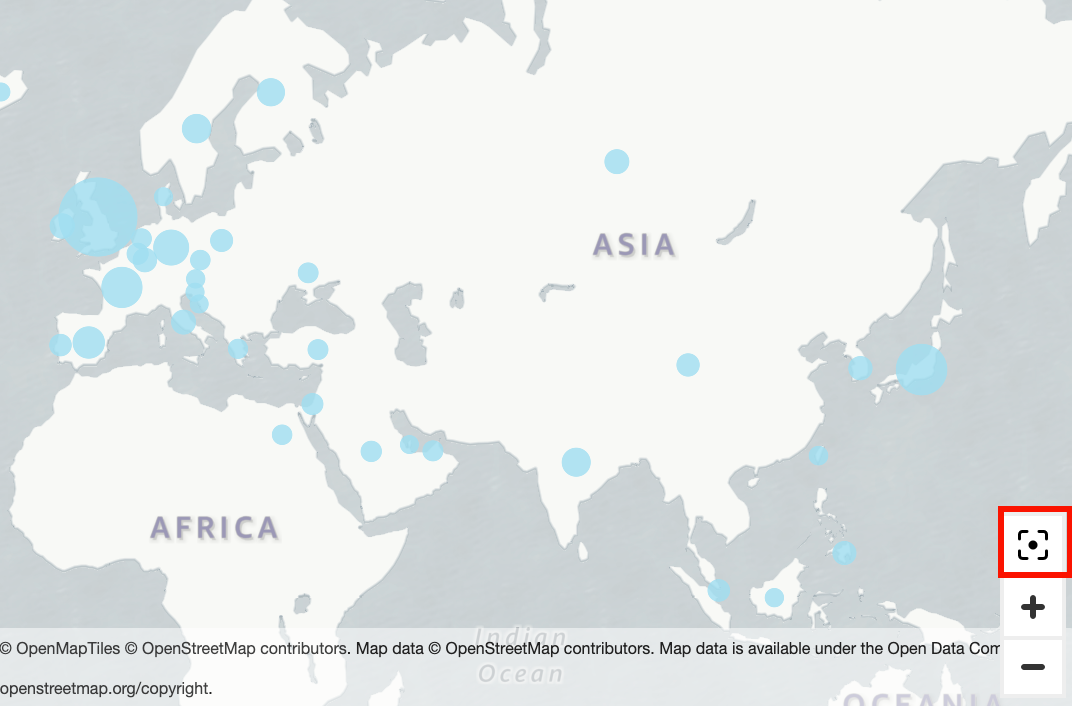
Click the Zoom to data icon. This icon appears when you pan or zoom in on a map.
Related topics