

Formatting visual numeric data based on language settings in Insights
In Insights, you can choose how your numeric data values appear in visuals so that they align with the regional language that you have chosen.
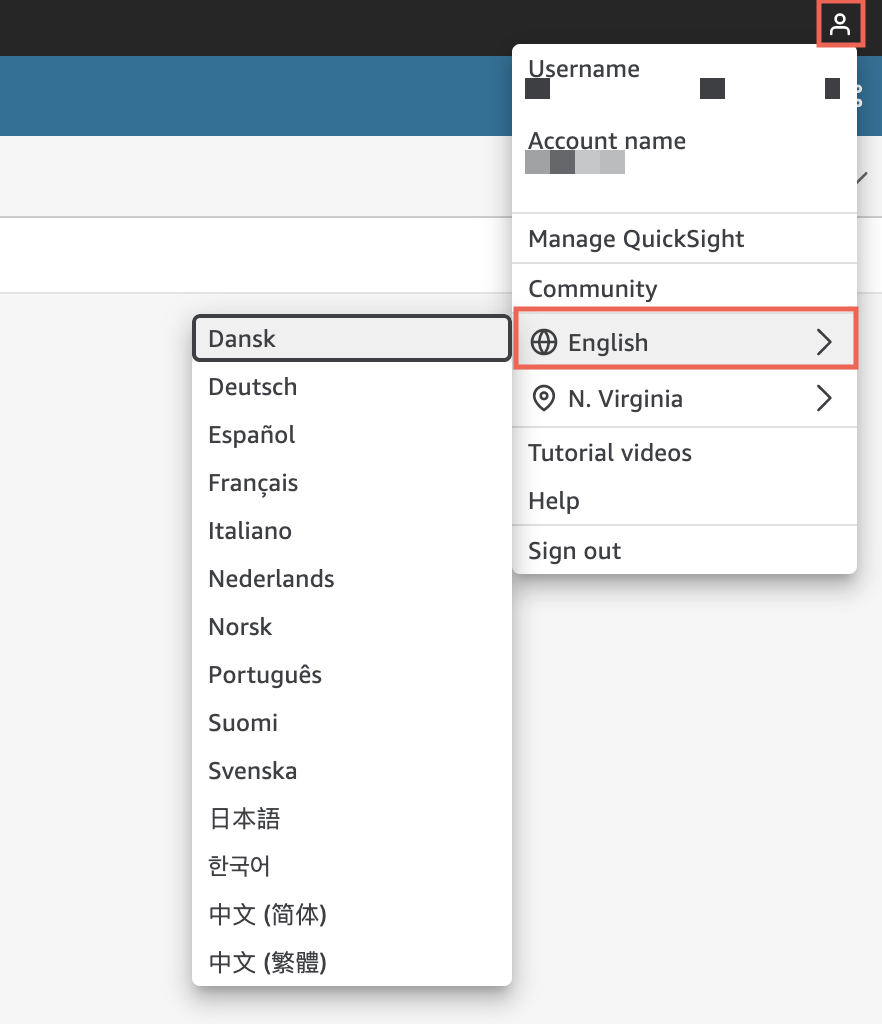
As an Insights author, you can choose the language formatting that best fits your audience. Insights configures numeric data languages at the analysis level based on the language that you have chosen to view Insights in. You can change the format of numbers, currencies, and dates. You can change your Insights language settings in the Language dropdown list of the Insights User menu in the top-right corner. You can change the language formatting for a field across every visual in a sheet, or you can change the language formatting at the individual visual level.
To change the numeric language formatting of all visuals in an analysis
-
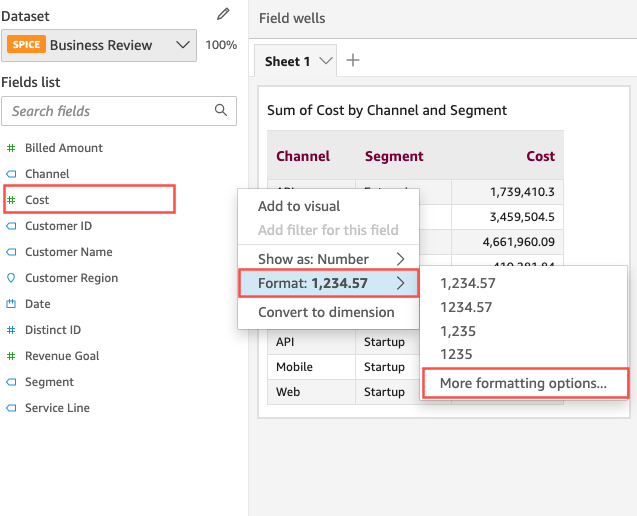
On the Visualize pane of the analysis that you want to change, choose the more actions (three dots) icon next to the field that you want to change. From the menu that appears, open the Format dropdown list, and then choose More formatting options.
-
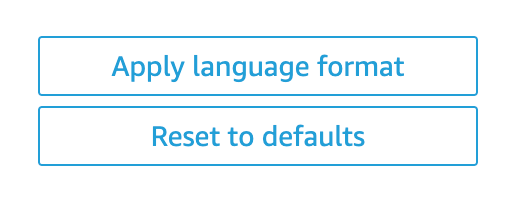
In the Format data pane that appears on the left, choose Apply language format.
You can reset the default language format of the field by reopening the Format data menu and choosing Reset to defaults. The default language format is American English.
To change the numeric language formatting of a single visual in an analysis
-
On the analysis page, choose the visual that you want to modify.
-
Navigate to the Format data pane using one of the following options:
-
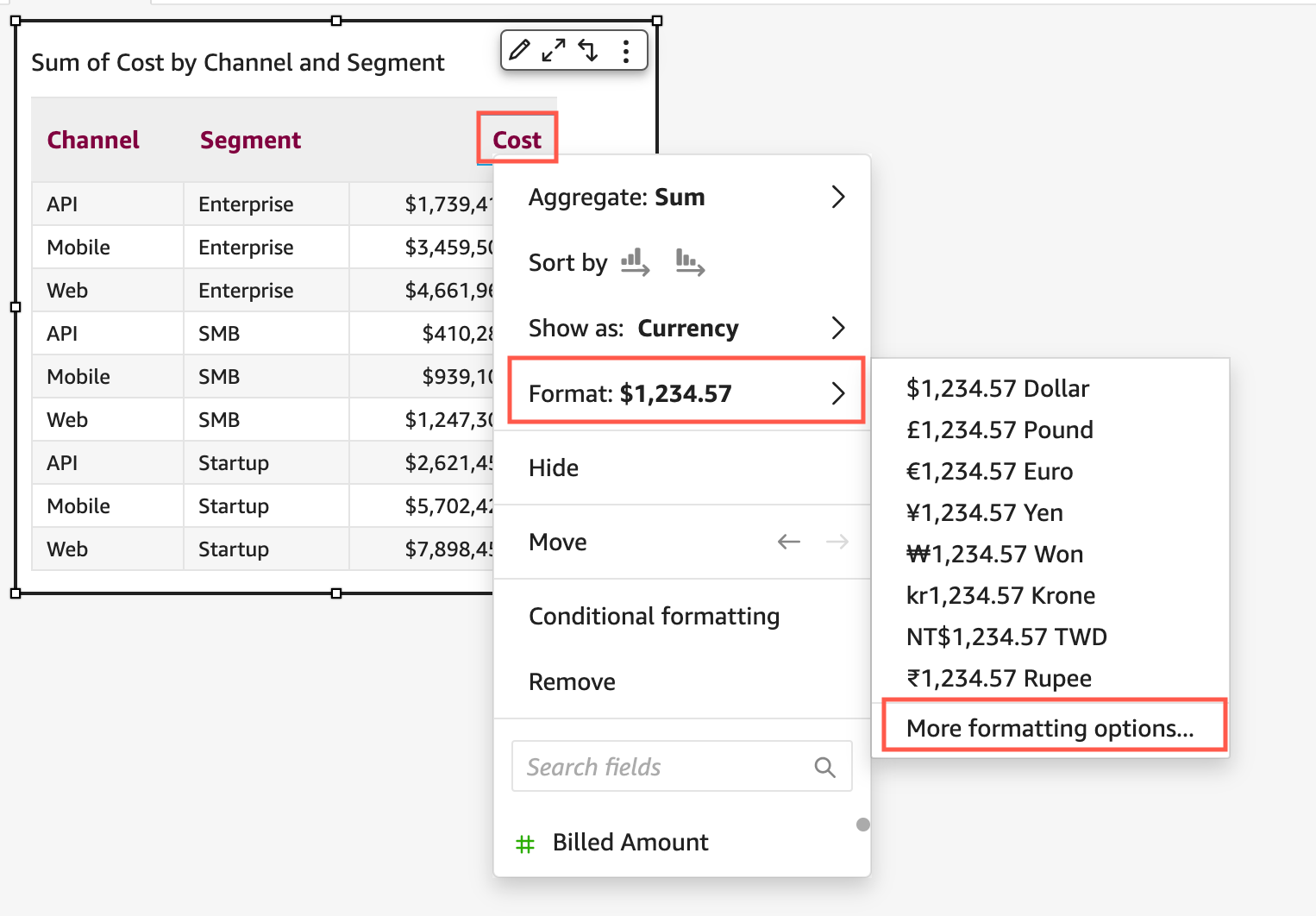
On the visual that contains the data that you want to change, select the field that you want to change, open the Format dropdown list, and then choose More formatting options.
-
In the Field wells section of the analysis, open the dropdown next to the field that you want to change. Open the Format menu, and choose More formatting options.

-
-
In the Format data pane that appears, choose Apply language format.
You can reset the default language format of the visual by reopening the Format data menu and choosing Reset to defaults. The default language format is American English.