

Delete an Insights dashboard
Permanently remove a dashboard from your account and all associated folders. Access to the deleted dashboard will no longer be possible. You can only delete dashboards you own or co-own.
Prerequisite
- You have the Insights Author license.
- You have the View Content permission.
-
You have at least one of these permissions:
- View Analytics Data
- View Classic WFM Data
- View QM Data
- View WFM Data
- You have the Create Content permission.
-
You own or co-own the dashboard that you want to delete.
Page location
Insights > Dashboards
Procedure
Delete a dashboard
-
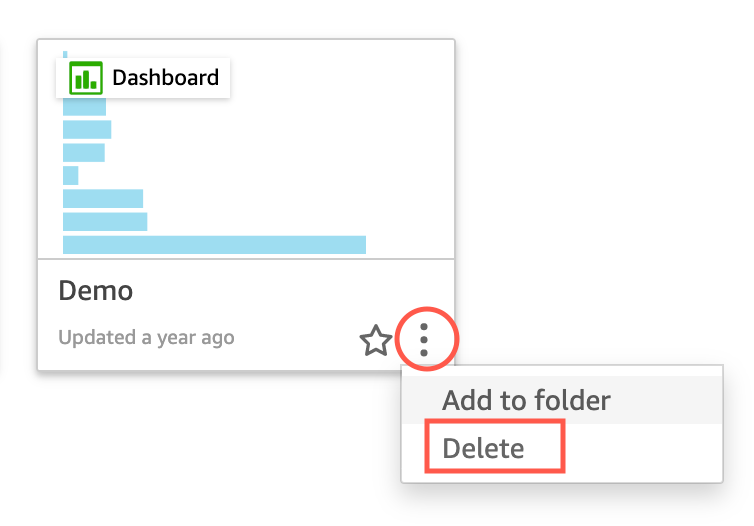
Click the details icon (vertical dots ⋮) on the dashboard that you want to delete.
-
Click Delete. A confirmation window opens.
-
To confirm your choice, click Delete again.
NOTE Deleting a dashboard permanently deletes it from your account and all folders it was part of. You cannot access the deleted dashboard but can still access or create other dashboards from the analysis it was published from.
Related topics